2D animation is any animation created in a flat, two-dimensional space, where characters and scenes have height and width but no real depth. Within that flat space sit several distinct styles, from hand-drawn cel work to rigged character animation and motion graphics. People often mix up “styles” and “types” here: 2D is the medium, and the styles below are the different ways to bring it to life.
This guide breaks down the nine 2D animation styles worth knowing in 2026, what each one is best for, and the trade-offs of each, with real examples so you can picture the result before you brief a project.
Key Takeaways
- 2D animation is the medium; the style is the choice. Traditional cel, digital vector, rigged character, cut-out, motion graphics, whiteboard, rotoscope, anime, and isometric are all 2D, and each fits a different budget, timeline, and goal.
- Digital vector and motion graphics are the workhorses of marketing. They are the fastest and most cost-effective 2D styles, which is why most explainer videos and ads use them.
- Hand-drawn (cel) animation is the premium end. It looks beautiful and unique, but it is the slowest and most expensive style to produce.
- Rigged character animation is the modern middle ground. A reusable digital “puppet” gives you character-driven storytelling without redrawing every frame.
- Match the style to the job, not the trend. Budget, timeline, audience, and how complex your message is should decide the style you pick.
Content
Top 9 2D Animation Styles (With Examples)
Here are the nine 2D animation styles, ranked from the most common in professional production to the more specialist looks. The table gives you the quick comparison; each style is broken down underneath.

| Style | Best for | Effort & cost | Example |
|---|---|---|---|
| Traditional (cel) / hand-drawn | Premium “hero” brand films, feature movies | Highest | Snow White, Studio Ghibli films |
| Digital vector | Explainer videos, web content, ads | Low to medium | Rick and Morty, most SaaS explainers |
| Rigged character (puppet) | Character-driven web series, explainers | Medium | South Park (modern), web series |
| Cut-out | Social ads, fast-turnaround series | Low | South Park (early), Monty Python segments |
| Motion graphics | Product explainers, UI walkthroughs, data | Low to medium | Corporate explainers, title sequences |
| Whiteboard | Education, training, process explainers | Low | Course and onboarding videos |
| Rotoscope | Stylised realism, music videos | High | A Scanner Darkly, Waking Life |
| Anime-style | Story-driven brand and entertainment | Medium to high | Japanese anime series and films |
| Isometric | Product demos, mechanical or spatial concepts | Medium | Monument Valley, explainer infographics |
1. Traditional (Cel) / Hand-Drawn Animation
What it is: Traditional animation draws every frame by hand. In classic cel animation, characters were hand-drawn on clear celluloid sheets and placed over painted backgrounds, then photographed one frame at a time (Adobe). Today the same frame-by-frame approach is often done digitally, but the principle is unchanged: one drawing per frame.
Best for: High-end “hero” brand films, feature-length movies, and any project where a handcrafted, artisanal look is the point.
Pros & cons: The result is fluid, richly drawn, and full of character, and nothing else quite matches its warmth. The trade-off is time and cost, since drawing every frame is the slowest and most expensive way to animate.
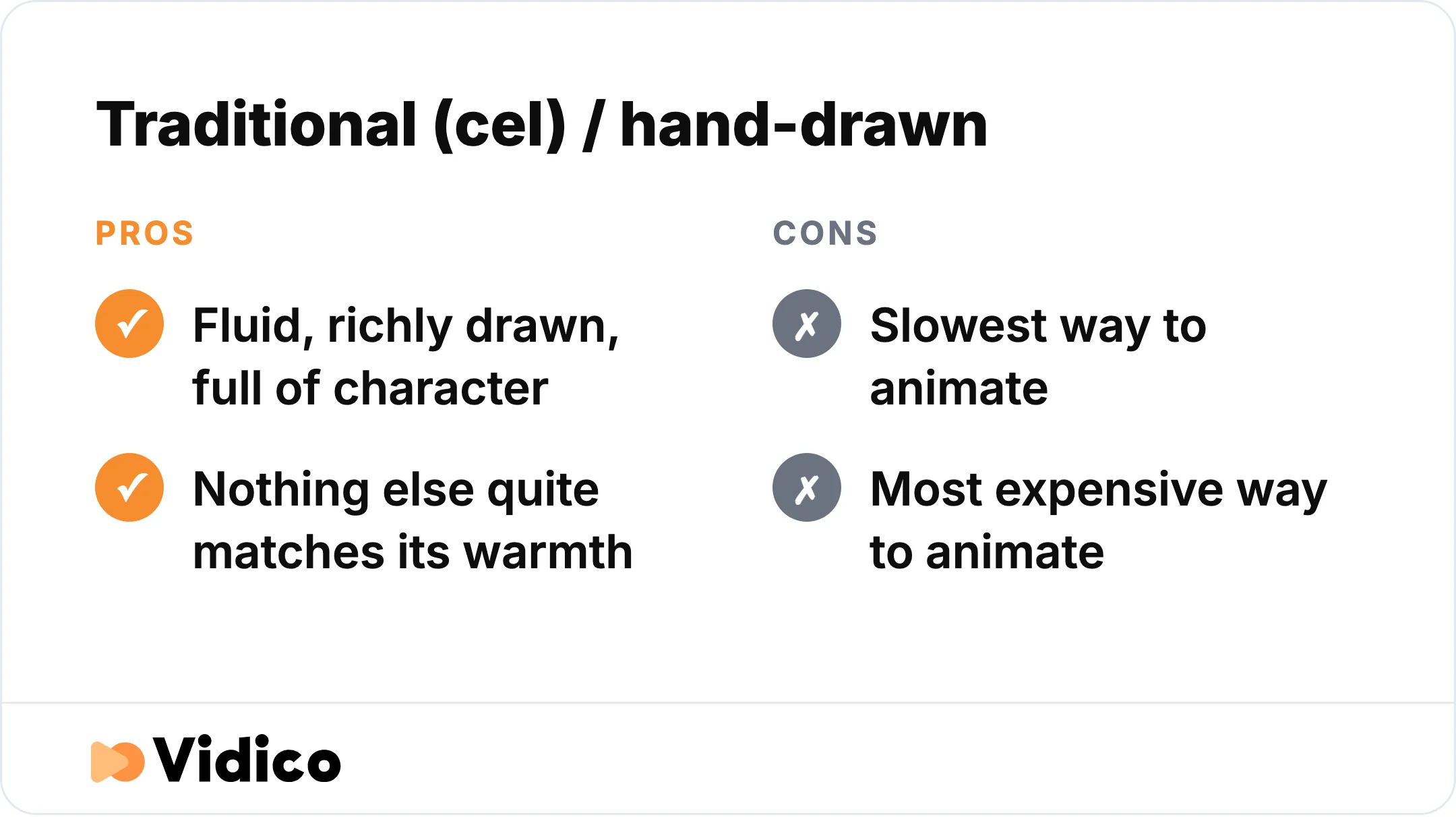
Hand-drawn cel animation delivers unmatched warmth, but drawing every frame makes it the slowest and most expensive style.
Example: Disney classics like Snow White and the Seven Dwarfs and Studio Ghibli films such as Spirited Away show what hand-drawn animation does at its peak. For a modern brand version of this handcrafted look, our illustration and hand-drawn animation work leans on the same drawn foundations.
2. Digital Vector Animation
What it is: Digital vector animation builds characters and objects from mathematical points, lines, and curves inside software like Adobe Animate or Toon Boom Harmony. Instead of redrawing each frame, animators set keyframes and the software fills in the movement between them, a process called tweening (SVGator).
Best for: Explainer videos, web and app content, ads, and modern TV shows that need a clean, scalable look on a reasonable budget.
Pros & cons: Vector art stays sharp at any size, production is faster than hand-drawing, and it is budget-friendly. It can lack the organic warmth of hand-drawn cels, but for most marketing work that is a fair trade.
Example: Shows like Rick and Morty use digital 2D animation for a dynamic, precise style. On the brand side, our 2D animated campaign for Iron Mountain uses this modern digital approach to turn a dry enterprise topic into a story-led series.
3. Rigged Character (Puppet) Animation
What it is: Rigged character animation attaches a digital skeleton, called a rig, to a 2D character. Animators pose and move the joints and controllers instead of redrawing body parts, so the character moves like a puppet (SVGator). In practice, studios often mix rigged movement with a few hand-drawn frames for expressions or fast action (Motionographer).
Best for: Character-driven web series, explainer videos, and games that need consistent characters across many scenes.
Pros & cons: Rigging keeps character proportions consistent and makes posing fast, which saves time on longer projects. Complex rotations can look unnatural if the rig is built poorly, so the setup matters.
Example: Our illustrated 2D campaign for Sail Internet uses character animation to give an internet provider a warm, story-led personality across a full campaign film.
4. Cut-Out Animation
What it is: Cut-out animation builds characters and props from separate flat pieces, then moves those pieces frame by frame, like a paper puppet. It can be done physically with real paper or digitally with software that simulates the effect.
Best for: Social ads, fast-turnaround series, and indie projects where a distinct, storybook look works in your favor.
Pros & cons: Reusing the same pieces makes cut-out efficient and quick to produce. The movement can look slightly stiff, which for many shows becomes part of the charm.
Example: South Park started with real paper cut-outs before moving to software (Champlain College), and Terry Gilliam’s segments in Monty Python’s Flying Circus are a classic cut-out example.
5. Motion Graphics (Including Kinetic Typography)
What it is: Motion graphics animate design elements such as shapes, icons, logos, text, and data, rather than telling a story through characters. Kinetic typography, or animated text, is a popular branch of it.
Best for: Product explainers, app and UI walkthroughs, title sequences, corporate presentations, and any video that needs to make information clear fast.
Pros & cons: Motion graphics are excellent at communicating data and messaging, and they are among the most cost-effective 2D styles. They are less suited to emotional, character-led storytelling.
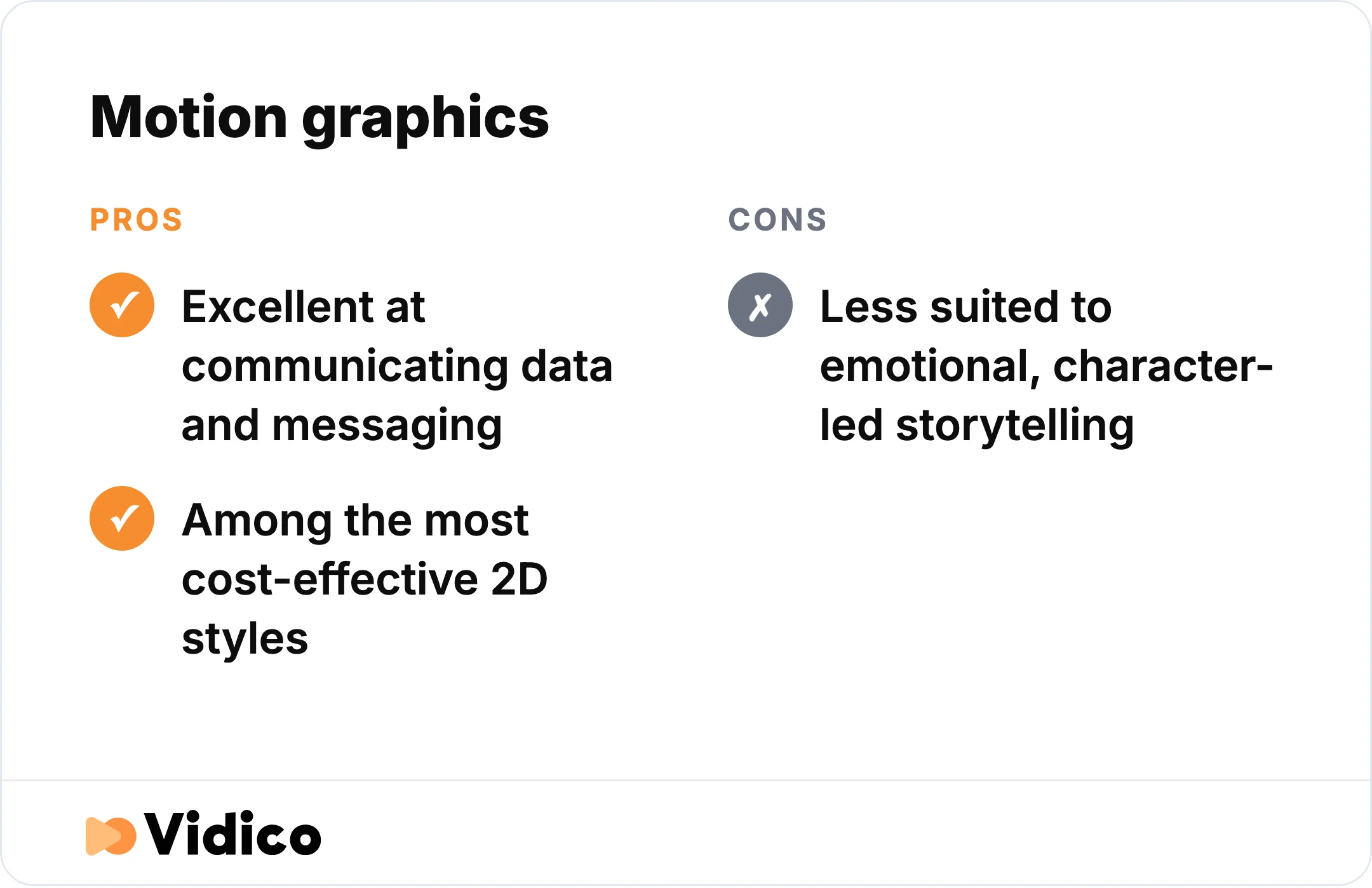
Motion graphics are among the most cost-effective 2D styles for data and messaging, but less suited to character-led stories.
Example: Our motion-graphics product explainer for Brightflow AI turns a complex fintech product into a clear, animated walkthrough.
6. Whiteboard Animation
What it is: Whiteboard animation shows illustrations being drawn in real time, usually as a hand sketching on a white background while a voiceover explains an idea. The “drawing as you watch” effect keeps attention on a single train of thought.
Best for: Education, training, onboarding, and step-by-step process explainers.
Pros & cons: It is simple and affordable to produce, and it suits teaching complex ideas one step at a time. The look is more functional than premium, so it fits learning content better than flagship brand films.
Example: Whiteboard videos are common in online courses and internal training, where the goal is comprehension rather than spectacle.
7. Rotoscope Animation
What it is: Rotoscope animation traces over live-action footage frame by frame to produce stylised, lifelike movement. The technique was invented in 1915 by Max Fleischer, who projected film frames onto a drawing surface to trace them.
Best for: Music videos, stylised realism, and projects that want believable human motion with an artistic edge.
Pros & cons: Rotoscope captures natural, realistic movement that is hard to animate from scratch. It is labor-intensive, since it still requires drawing over every traced frame.
Example: The films A Scanner Darkly and Waking Life are built almost entirely on rotoscoping.
8. Anime-Style Animation
What it is: Anime is a visual style that originated in Japan, defined by expressive characters, bold color, and dramatic staging. It is a style rather than a single technique, and while it is predominantly 2D and historically hand-drawn, modern anime often blends 2D with digital and 3D elements (Champlain College).
Best for: Story-driven entertainment, and brands that want a distinctive, emotionally charged look aimed at anime-literate audiences.
Pros & cons: The style carries strong emotional range and a passionate global fanbase. Doing it well takes real craft, so quality varies widely and cost rises with detail.
Example: Studio Ghibli’s films and long-running series like Naruto show the range of the anime style, from painterly to fast-paced action.
9. Isometric Animation
What it is: Isometric animation gives flat 2D art a pseudo-3D look by drawing objects at fixed angles that suggest depth without true 3D rendering. It is a distinctive look rather than a core animation technique, and it sits comfortably inside 2D production.
Best for: Product demos, infographics, and any concept where showing space, systems, or mechanics clearly helps the viewer.
Pros & cons: Isometric views make processes and spatial relationships easy to follow, which is why explainer videos use them. Building layered isometric scenes takes time, and the fixed perspective can feel rigid for character work.
Example: The game Monument Valley is a well-known isometric example, and the style shows up often in explainer infographics that map out a process or environment.
How 2D Animation Works
2D animation creates the illusion of movement by playing a sequence of drawings in fast succession. A project starts with a script and storyboard to lock the flow, then characters and backgrounds are designed. Animators set keyframes for the main points of motion, and the in-between frames, or “in-betweens,” fill the gaps to smooth the movement. In digital workflows, software can generate many of these in-betweens automatically (SVGator).
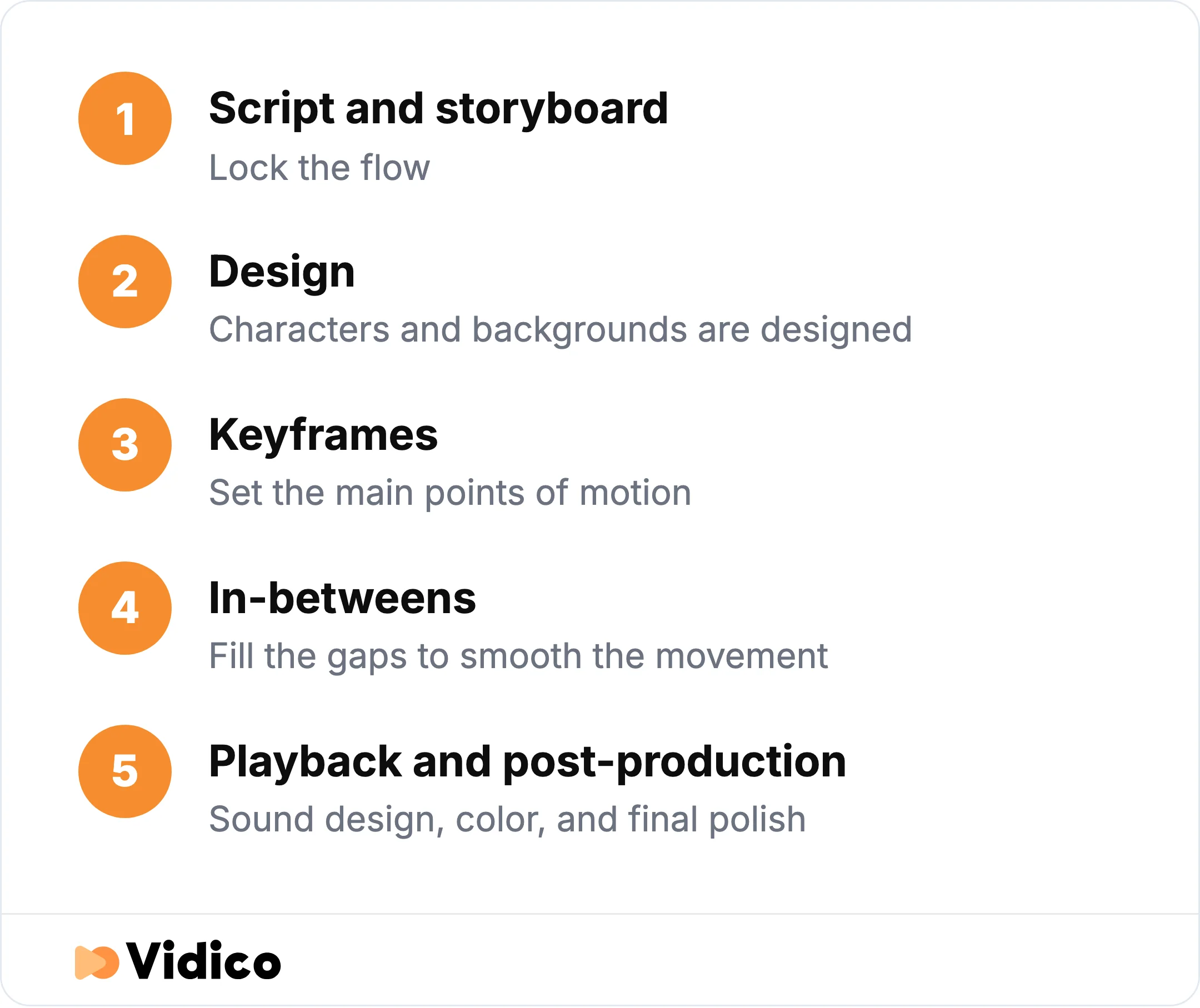
A 2D animation project moves from script and storyboard to keyframes and in-betweens, then playback and post-production.
Those frames are then played back in rapid succession. Film and video use a standard of 24 frames per second (Adobe), while animation is often worked “on twos,” holding each drawing for two frames to save effort without losing smoothness. Once the animation is locked, sound design, color, and final polish happen in post-production.
How to Choose the Right 2D Animation Style
The right 2D animation style comes down to a few factors: your budget and timeline, your audience, how complex your message is, and where the video will run. Match the style to the job rather than to whatever looks trendy.
- Budget and timeline: Digital vector, motion graphics, cut-out, and whiteboard are the fastest and most affordable. Hand-drawn cel, rotoscope, and high-detail anime cost the most and take the longest. Animation is generally cheaper than 3D or live-action, and you can see how the numbers break down in our guide to animation costs.
- Audience and tone: Hand-drawn and anime carry the most emotional weight and craft. Motion graphics and vector feel clean, modern, and professional. Cut-out and whiteboard read as approachable and clear.
- Message complexity: For products, data, and processes, motion graphics and isometric make information easy to follow. For stories and characters, rigged, hand-drawn, or anime do the heavy lifting.
- Where it will run: Short social ads reward fast, punchy styles like cut-out and vector. A flagship brand film or an explainer video can justify the extra polish of hand-drawn or rich rigged character work.
2D animation earns its place in marketing because it holds attention, adapts to any channel, and costs less than 3D or live-action, and it simplifies complex ideas that would be hard to film. Explainer videos in particular are a popular way to introduce a product quickly.
Not sure which style fits your brand? Our free Creative Intelligence Report breaks down what is working in your category.
Why Work With Vidico
At Vidico, we produce 2D explainer and animation content for SaaS, tech, and enterprise brands, from single hero films to full campaign systems. We handle the whole project end to end: concept, script, storyboard, design, 2D and 3D animation, and post-production, so you get one team and one clear process.
Because we work on monthly subscription plans rather than one-off quotes, every project also builds reusable templates and brand assets that make the next one faster to produce. Teams at Square, Spotify, and NinjaOne have used us for conversion-focused campaigns. You can browse our full animation portfolio to see the styles above in action.
Frequently Asked Questions
Is anime 2D animation?
Yes, mostly. Anime is a visual style that originated in Japan and is predominantly 2D and historically hand-drawn. It is a style rather than a single technique, so modern anime often mixes 2D with digital and 3D elements. Calling anime “a style of 2D animation” is accurate; calling it a separate technique is not.
Why did Disney stop making 2D animation?
Disney shifted to 3D computer animation mainly for commercial and production reasons, not because 2D stopped working. Its last major hand-drawn feature was The Princess and the Frog in 2009, followed by the smaller Winnie the Pooh in 2011 (Screen Rant). Computer animation was cheaper and faster to produce, and hand-drawn animation had come to be seen as old-fashioned by audiences. 2D animation itself never went away and remains widely used in marketing, TV, and web content.
What are the four main types of animation?
The four main types of animation are 2D animation, 3D animation, stop-motion, and motion graphics. 2D is animation in a flat, two-dimensional space. 3D adds depth and is built in software like Blender or Maya. Stop-motion photographs physical objects frame by frame. Motion graphics animate design elements and can be produced in either 2D or 3D.
Is 2D animation still used in 2026?
Yes. 2D animation is still one of the most-used forms of animation, especially in marketing, explainer videos, social content, apps, and education. Digital tools have made it faster and more affordable, not less relevant, and 2D remains a first choice when a brand needs clear, attention-grabbing content on a predictable budget. Budgets are shifting toward creative, not away from it: Vidico’s 2026 State of Creative Marketing in Tech report found 76% of B2B tech marketers say their creative production budget is growing this year.
Final Thoughts
2D animation gives you a wide range of styles, each with its own strengths. Hand-drawn cel work brings premium craft, digital vector and motion graphics deliver clarity and speed, rigged character animation powers story-led content, and specialist looks like rotoscope, whiteboard, anime, and isometric each solve a specific job. The right choice depends on your budget, timeline, audience, and message.
We build 2D animation systems for B2B brands that need this quality on an ongoing basis, not just once. If you want to see these styles applied to real projects, our roundup of the best 2D animation examples shows how brands put them to work, or book a free strategy session to talk through your next project.