
The best video format for Facebook is MP4, encoded with H.264 video and AAC audio. MOV works just as well. Both hold high quality after Facebook re-compresses your upload, and both play on every device your audience uses. The bigger shift for 2026 is shape: Facebook now publishes most new video as Reels, so a 9:16 vertical frame is the safe default unless you are posting a landscape Feed video or an ad built for a specific placement.
At Vidico, we produce explainer videos, social content, and paid ads for B2B and consumer brands, with 2,000+ campaigns and 1.5 billion+ views behind that work. This guide gives you the exact current specs for Feed, Reels, Stories, and ads, plus the settings that stop a video looking soft after upload.
Key Takeaways
- Use MP4 with H.264 video and AAC audio. It is the format Facebook recommends, it survives the platform’s re-compression best, and it is the most widely compatible container. MOV is the other recommended choice.
- Vertical 9:16 is the 2026 default. Facebook’s 2025 change means new video publishes as Reels, so build vertical first and reserve 16:9 for landscape Feed posts and specific ad placements.
- Match the aspect ratio to the placement. Feed supports 16:9 through 9:16, while Reels and Stories are 9:16 only. Uploading the wrong shape forces Facebook to crop or add black bars.
- Lock your export settings: H.264 compression, stereo AAC audio at 128kbps or higher, square pixels, a fixed frame rate at 30fps or below (up to 60fps for Reels), and progressive scan.
- Upload the highest-quality 1080p file you have. Turn on Facebook’s HD upload setting so the platform does not serve a lower-resolution version that looks blurry.
Content
The Best Video Format for Facebook
The best video format for Facebook is MP4. Meta recommends MP4 or MOV for uploads, and MP4 built on the H.264 codec is the safest pick because it balances quality and file size, processes fastest on upload, and plays everywhere.
Facebook re-encodes every video you upload. That compression is why a clean, correctly exported MP4 often looks better than a huge file the platform has to crush harder. Give it a well-made 1080p source and it has less reason to degrade your footage.
MOV is fully supported and a common export from Apple and professional editing tools. There is no meaningful quality difference between MP4 and MOV at upload. If a tool only accepts one, use MP4 for the widest compatibility.
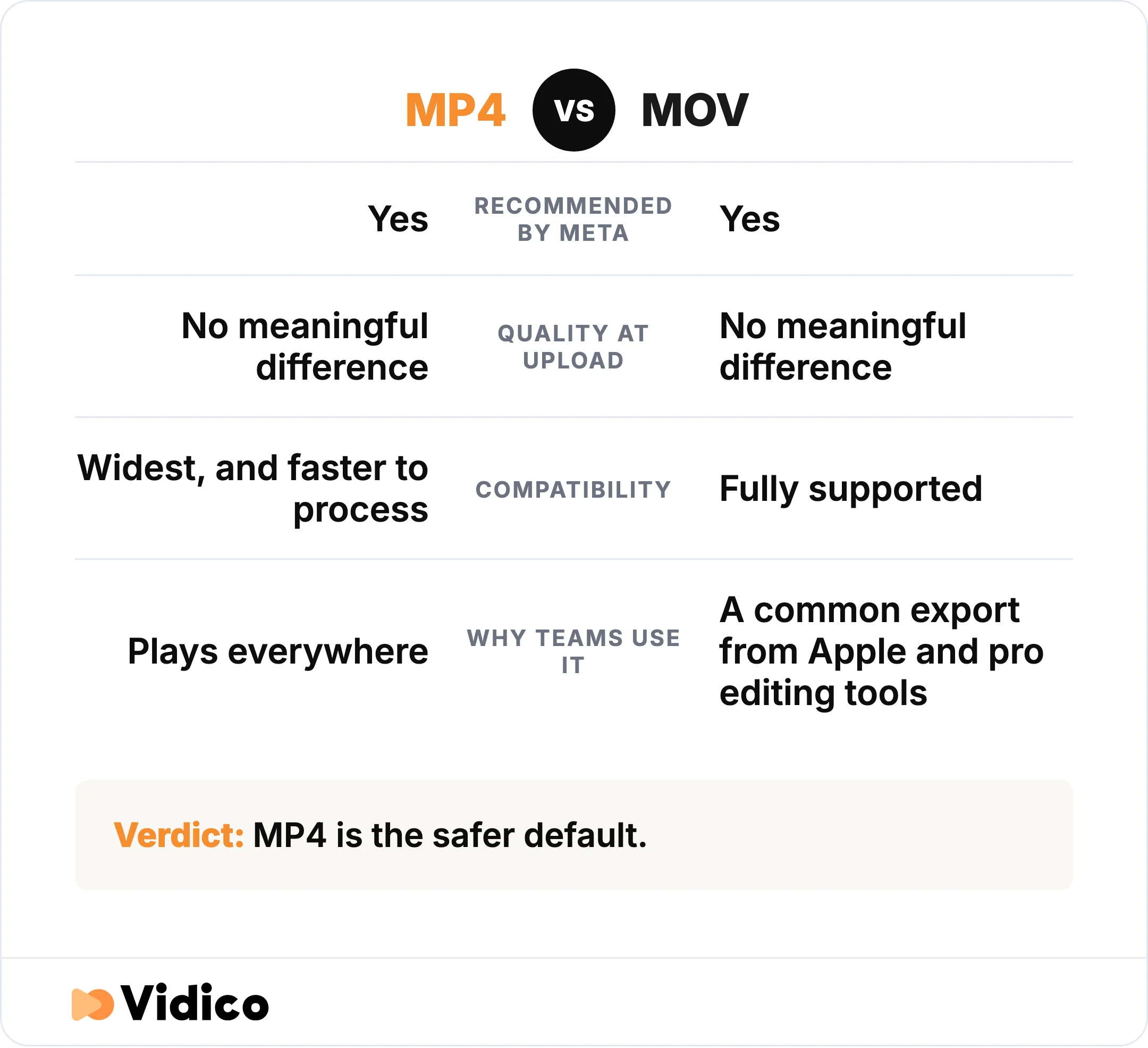
Facebook recommends both MP4 and MOV. MP4 is more widely compatible and processes faster on upload, so it is the safer default.
Recommended Facebook Video Export Settings
Facebook recommends a consistent set of encoding settings across its placements. Export your video with these and it will upload cleanly and look its best:
- Container: MP4 or MOV
- Video codec: H.264
- Audio codec: Stereo AAC, 128kbps or higher
- Frame rate: Fixed, 30fps or below (Reels accept up to 60fps)
- Pixels: Square pixels
- Scan type: Progressive scan
- Resolution: 1080p (1080×1920 vertical, or 1920×1080 landscape)
These match Meta’s published video ad settings, which list H.264 compression, square pixels, a fixed frame rate, progressive scan, and stereo AAC audio at 128kbps or higher. The same settings are the safe baseline for organic posts.

Facebook Video Specs by Placement (2026)
Facebook video specs change by where the video appears. Here are the specs for the main organic placements, with the detail for each one after. Aspect ratio and maximum length are confirmed against Meta’s Facebook video requirements chart.
| Placement | Aspect ratio | Recommended resolution | Max length | Recommended format |
|---|---|---|---|---|
| Feed video | 16:9 to 9:16 (1:1 and 4:5 also supported) | 1920×1080 or 1080×1920 | 240 minutes | MP4 (H.264) |
| Reels | 9:16 vertical | 1080×1920 | No fixed Meta limit (commonly up to 90 seconds) | MP4 (H.264) |
| Stories | 9:16 vertical | 1080×1920 | 60 seconds per segment | MP4 (H.264) |
Facebook Feed Video
Facebook Feed video supports aspect ratios from 16:9 landscape through 9:16 vertical, with 1:1 square and 4:5 upright also accepted. Export at 1080p: 1920×1080 for landscape or 1080×1920 for vertical. A Feed video can run up to 240 minutes. Meta documents a 4GB file-size ceiling for ad placements, and organic uploads are commonly cited up to 10GB, so keeping a standard marketing clip well under a gigabyte is never a problem.
Vertical and square frames take up more screen space on mobile, so a 4:5 or 9:16 Feed video usually earns more attention on phones than a 16:9 one.
Facebook Reels
Facebook Reels use a 9:16 vertical frame at 1080×1920 resolution. Reels are the format Facebook now prioritizes, and since 2025 Meta has said Reels carry no fixed length or format restrictions. In practice, most marketing Reels run up to about 90 seconds, and short, hook-driven clips tend to perform best. Export at 1080p rather than 4K: the extra resolution is re-compressed away and a clean 1080p file holds up better. For more on the vertical format across platforms, see our Instagram Reels statistics.
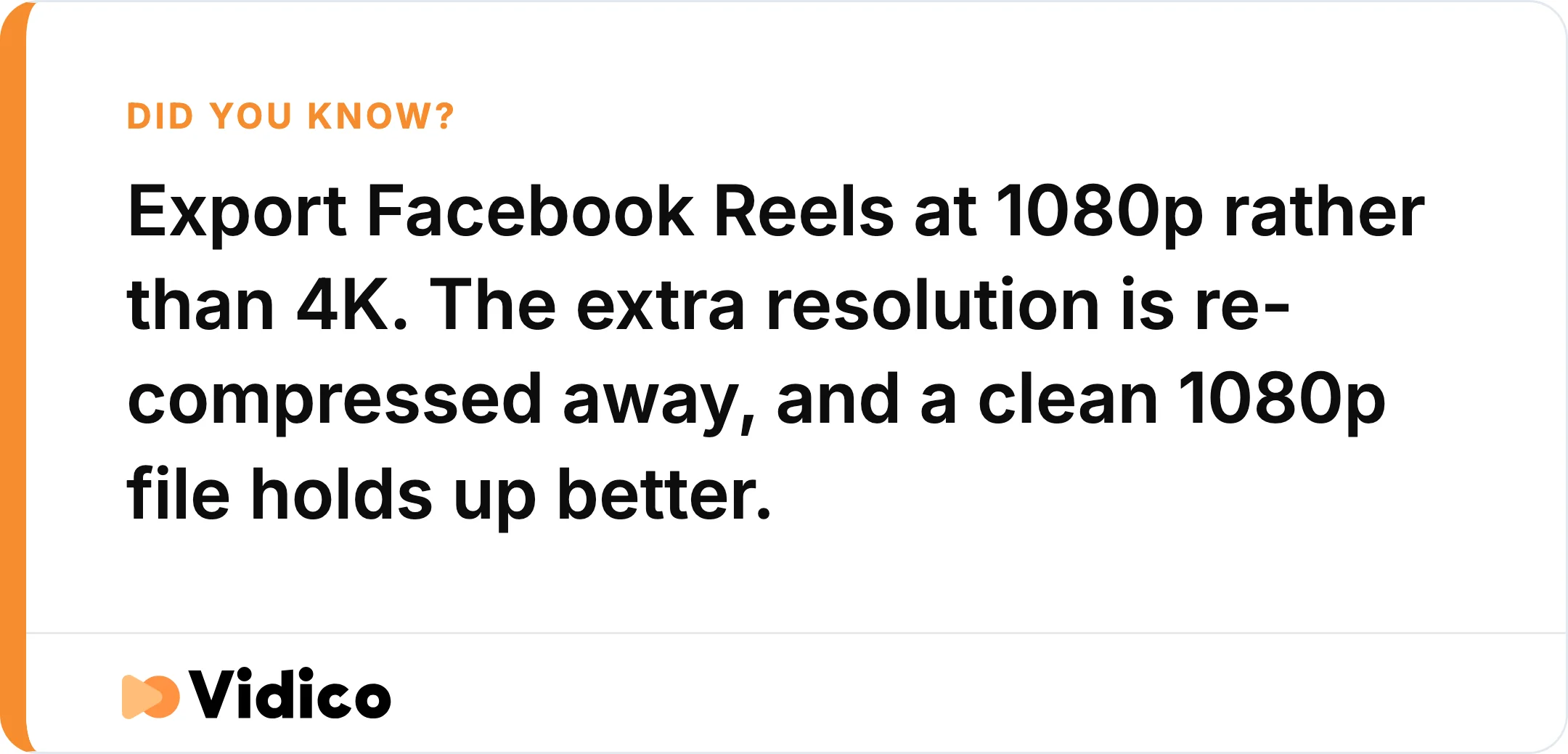
A clean 1080p Reels file holds up better than a 4K upload, because Facebook re-compresses the extra resolution away.
Facebook Stories
Facebook Stories use a 9:16 vertical frame and display for 24 hours. Export at 1080×1920 as the safe recommendation, or 1440×2560 if you want a higher-resolution master. Organic Stories play in segments of up to 60 seconds, and a longer video is split into multiple segments automatically. Keep the file small, ideally under a few hundred megabytes, so it uploads quickly on mobile.
Facebook Video Ad Specs
Facebook video ads follow tighter specs than organic posts, and the specs differ by placement. The values below come from Meta’s ad specs guide and the video requirements chart. For the creative side of paid video, see our guide to Facebook video ad best practices.
| Ad placement | Aspect ratio | Resolution | Length | Max file size |
|---|---|---|---|---|
| Feed video ad | 4:5 | 1440×1800 | 1 second to 240 minutes | 4GB |
| Reels ad | 9:16 | 1440×2560 | No maximum limit | 4GB |
| Stories ad | 1.91:1 to 9:16 | 1080×1920 | 1 to 120 seconds | 4GB |
| In-stream ad | 16:9 to 9:16 | 1080p | 5 to 120 seconds | 4GB |
| Marketplace | 16:9 to 9:16 | 1080p | Up to 240 minutes | 4GB |
A few placement notes worth knowing:
- Feed video ads use a 4:5 frame at 1440×1800 and accept MP4, MOV, or GIF. Meta recommends a minimum dimension of 120×120 pixels.
- Carousel video ads hold 2 to 10 cards in one ad, each with its own link, at 1:1 or 4:5.
- Collection ads pair a cover video with a product grid and require an Instant Experience, the format Facebook previously called Canvas.
If you only remember one thing about ad specs: export each ad native to its placement ratio. Dropping a 16:9 file into a 9:16 placement forces a crop or black bars and wastes the frame.
What Changed in 2026: Facebook Video Now Publishes as Reels
Facebook changed how video works in 2025, and the change still shapes every spec decision in 2026. In June 2025, Meta announced that all new video uploads would publish as reels, removing the old choice between posting a “video” or a “reel.” Meta also said Reels would carry no length or format restrictions.

In June 2025, Meta announced that all new Facebook video uploads would publish as reels, removing the old choice between a video and a reel.
For you, that means three things. Build vertical 9:16 first, because that is the frame Facebook favors. Stop worrying about a hard Reels length cap, though shorter still performs better. And treat old guides that never mention Reels as out of date, because the platform no longer treats Feed video and Reels as separate products.
Supported Facebook Video File Formats
Facebook supports around 30 video file formats, but only two are recommended. MP4 and MOV are the formats to use for quality and compatibility. The full list of accepted formats, published by Facebook, includes:
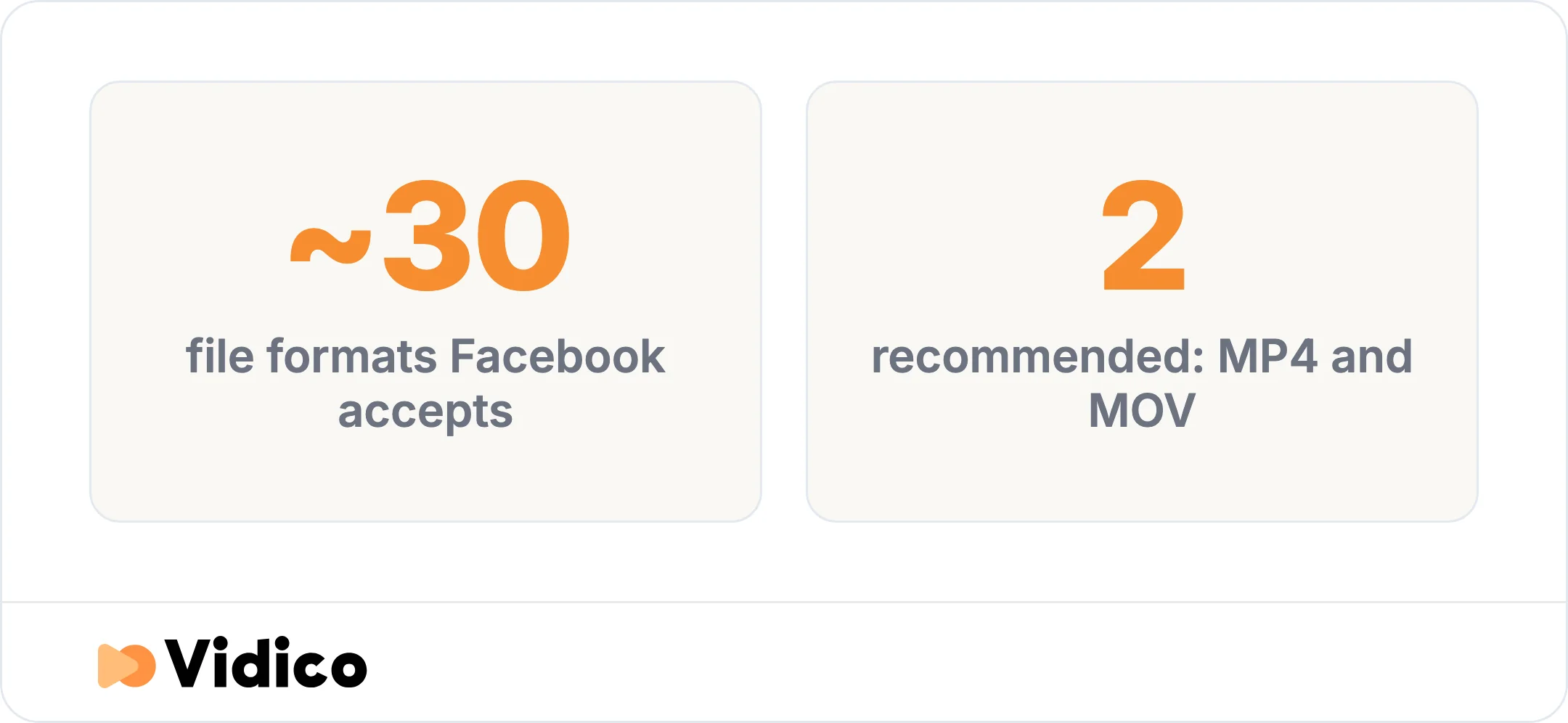
Facebook accepts around 30 video file formats, but only MP4 and MOV are recommended. Source: Facebook Help.
3g2, 3gp, 3gpp, asf, avi, dat, divx, dv, f4v, flv, gif, m2ts, m4v, mkv, mod, mov, mp4, mpe, mpeg, mpeg4, mpg, mts, nsv, ogm, ogv, qt, tod, ts, vob, and wmv.
If your file is in one of the older or less common formats, convert it to MP4 with H.264 before uploading. That gives Facebook the cleanest source to work from.
How to Fix Common Facebook Video Problems
Most Facebook video problems trace back to the file you uploaded, not the platform. Here is how to fix the four that come up most.
Why Your Facebook Video Looks Blurry
A blurry Facebook video is almost always a resolution or upload-quality problem. Upload a 1080p file encoded with H.264 at 30fps, and turn on HD upload so Facebook does not serve a lower-quality version. On mobile, enable “Upload HD” or “Upload Videos in HD” in your app settings. On desktop, set video quality to HD before or during upload.
How to Stop Black Bars on Your Video
Black bars appear when a video’s shape does not match its placement. Export each video in the native aspect ratio for where it will run: 9:16 for Reels and Stories, 16:9 or 4:5 for Feed. Never upload a 16:9 file with black bars already baked in, because Facebook compresses that letterboxed frame harder and your footage loses detail.
How to Reduce a Facebook Video File That Is Too Large
Shrink an oversized Facebook video by lowering the resolution to 1080p, capping the frame rate at 30fps, and exporting with H.264 at a video bitrate of roughly 5 to 10 Mbps. Trim any dead length as well. Keep the final file under 4GB for ads, and under a few hundred megabytes for Stories so it uploads reliably.
How to Convert MOV to MP4 for Facebook
Convert MOV to MP4 by re-exporting or transcoding the file in a video editor or converter, not by renaming the extension. Renaming a .mov file to .mp4 does not change what is inside it and can break the upload. Export a true MP4 with H.264 video and AAC audio instead.
Make Facebook Video That Performs
Getting the format right is the floor, not the finish line. A technically perfect file still fails if the creative does not earn attention in the first few seconds. That is where strong creative matters most.
At Vidico, we are a B2B explainer video company that also builds social content and paid ads, exported correctly for every Facebook placement. For IT software company NinjaOne, our campaign video drove a 2.4% click-through rate on Facebook. If you want video built to perform on Facebook, explore our social media video production work or start a free Creative Intelligence Report to see how your current creative compares.
Frequently Asked Questions
What is the best video format for Facebook?
The best video format for Facebook is MP4 with H.264 video and AAC audio. Facebook recommends both MP4 and MOV, and MP4 is the most compatible and fastest to process.
Is MP4 or MOV better for Facebook?
Neither is better for quality, as Facebook recommends both. MP4 is more widely compatible across devices and tools and processes faster on upload, so it is the safer default. MOV is fully supported.
Is Facebook video 16:9?
Facebook video can be 16:9, but it does not have to be. Feed supports 16:9 landscape through 9:16 vertical. Since Facebook now publishes new video as Reels, 9:16 vertical is the recommended default for 2026.
What is the maximum length for a Facebook video?
A Facebook Feed video can run up to 240 minutes. Stories play in 60-second segments, and Reels have no fixed Meta length limit, though most marketing Reels run up to about 90 seconds.
What aspect ratio should I use for Facebook video ads?
Use 4:5 for Feed video ads and 9:16 for Reels and Stories ads. Export each ad in the native ratio for its placement so Facebook does not crop the frame or add black bars.
Why does Facebook lower my video quality?
Facebook re-compresses every upload, which can reduce quality, especially if you uploaded an oversized file or left HD upload turned off. Upload a clean 1080p H.264 file and enable HD upload to get the best result.
The Bottom Line
The best video format for Facebook is an MP4 encoded with H.264 video and AAC audio, exported at 1080p with a fixed frame rate of 30fps or below. Match the aspect ratio to the placement, default to vertical 9:16 now that Facebook publishes new video as Reels, and upload in HD so the platform does not serve a softer version of your work.
Vidico produces Facebook-ready video for B2B and consumer brands, built to hold quality through upload and to convert once it is live. When you are ready to move from specs to a video that performs, book a free strategy session and we will help you plan it.