
The best AI video generator depends on the job in front of you. Need a cinematic clip with sound? Google Veo 3.1. Want frame-level creative control? Runway. Photorealistic humans on a budget? Kling. A talking presenter for training or sales? HeyGen. There is no single winner, and picking the wrong model means paying to regenerate the same eight seconds over and over.
One thing to clear up first: OpenAI Sora is gone. OpenAI discontinued it in 2026, yet plenty of published roundups still list it as a top pick. This guide is current to July 2026, so you will not waste a trial on a product that no longer exists.
At Vidico, we produce B2B explainer and brand videos for SaaS and tech teams, with 2,000+ campaigns and more than 1.5 billion views to date. We make professional video for a living, so we rank these tools by what they are genuinely good at, not by which one pays us.
Key Takeaways
- Top generative pick: Google Veo 3.1 leads on cinematic realism and is the only major model that generates synced audio with the clip.
- Best creative control: Runway Gen-4.5 wins for motion brushes, camera moves, and VFX-style editing. For photorealistic humans and a low entry price, Kling is the value pick.
- Sora is discontinued. Do not build a workflow around it. If you want narrative, multi-scene video, use Veo 3.1 or Runway instead.
- The real cost is credit-burn, not the sticker price. Headline prices start under $10, but credits expire monthly and failed generations still cost you. Price every tool at your true output.
- AI generation is for volume, tests, and social. The videos that carry your brand, a launch film, a homepage hero, a flagship explainer, still need human-led production.
New to planning video and not sure where these tools fit? Our free video marketing plan maps the format to the goal before you spend on any tool.
Content
How We Picked
We did not run a lab test of every model. We compared each tool on the specs that decide real projects, max resolution, clip length, whether it generates native audio, and image-to-video support, then cross-checked each one against independent testing from CNET, PCMag, and MASV and verified reviews on G2. Every price was verified against the vendor’s own pricing page in July 2026, because AI tool pricing changes constantly and secondhand roundups go stale fast.
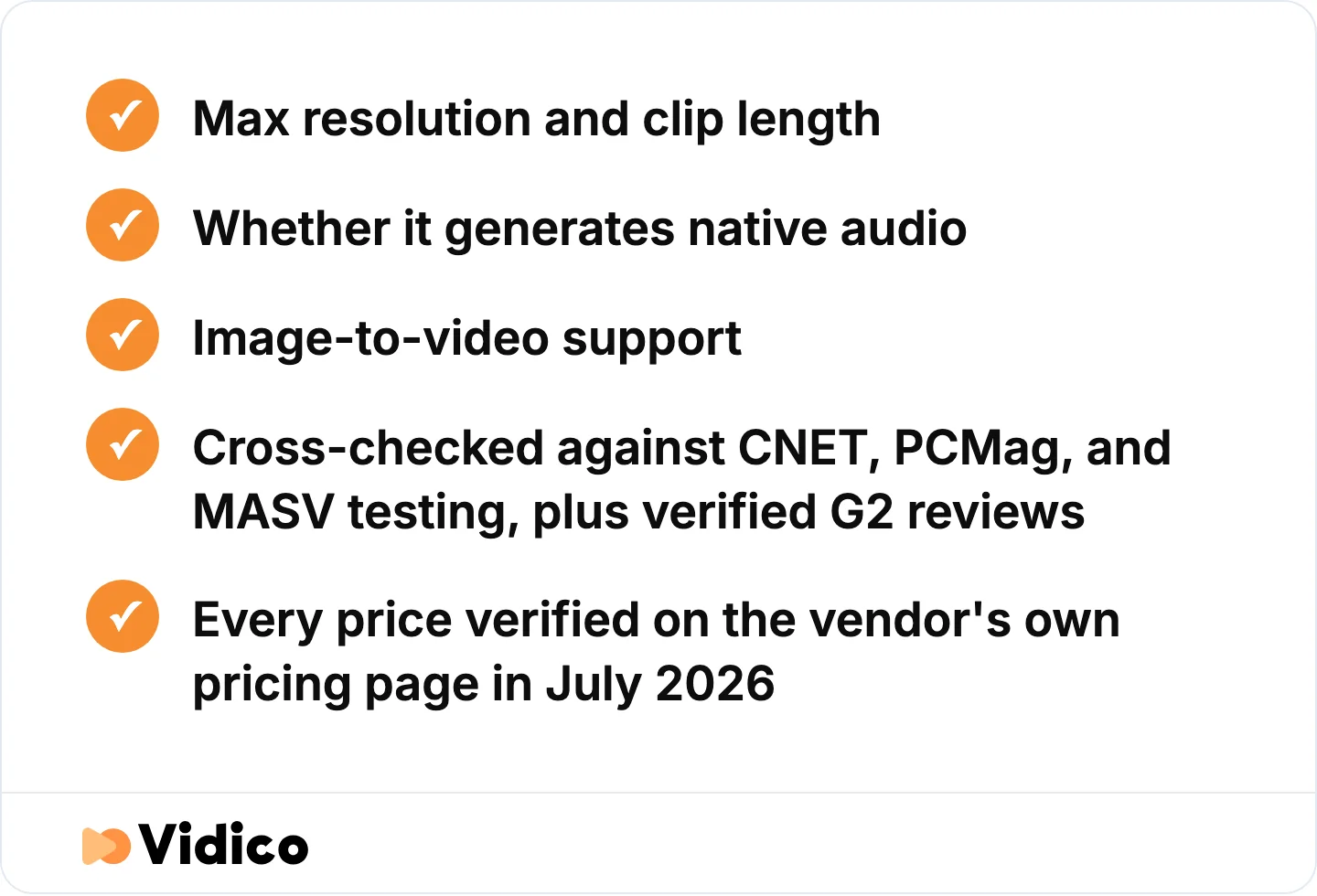
The specs and sources every tool on this list was judged against.
Top AI Video Generators at a Glance
Here are all 12 tools compared by best use case, free plan, and starting price. All pricing is current as of July 2026. Prices marked (yr) reflect annual billing, and month-to-month rates run higher. Check the vendor page before you buy, since AI video pricing moves often.
| Tool | Best for | Free plan? | Starting price | Category |
|---|---|---|---|---|
| Google Veo 3.1 | Cinematic clips with native audio | Yes (rate-limited) | $19.99/mo | Generative model |
| Runway Gen-4.5 | Frame-level creative control and VFX | Yes (credits) | $15/mo | Generative model |
| Kling AI | Photorealistic humans on a budget | Yes | $10/mo | Generative model |
| Luma Dream Machine | Fast cinematic short clips | Yes | $9.99/mo | Generative model |
| Pika | Playful, social-first generation | Yes | $10/mo | Generative model |
| MiniMax Hailuo | Quality-to-price ratio | Yes | $9.99/mo | Generative model |
| Adobe Firefly Video | Commercially safe, IP-clean clips | Yes (credits) | $9.99/mo | Generative model |
| Seedance | Multi-shot B-roll inside an editor | Yes | Free in Dreamina | Generative model |
| HeyGen | Talking avatars and 175-language localization | Yes (3 videos/mo) | $29/mo | AI avatar |
| Synthesia | Enterprise avatar training video | Free (10 min/mo) | $29/mo | AI avatar |
| InVideo AI | Prompt to ready-to-post social video | Yes | $20/mo (yr) | Text-to-video |
| Pictory | Repurposing footage into social clips | Trial only | $25/mo (yr) | Editing |
The Top AI Video Generators, Ranked by Use Case
AI video tools split into three jobs. Generative models build footage from a text or image prompt. Avatar tools generate a talking presenter reading your script. Text-to-video and editing tools turn scripts or existing footage into a finished, captioned video. Match the category to your job first, then pick inside it.
One thing pros know that most roundups skip: the app and the model are not the same thing. Several tools wrap the same underlying models, and serious work usually pairs two of them, a bulk model for B-roll and a hero model for the shots that matter.
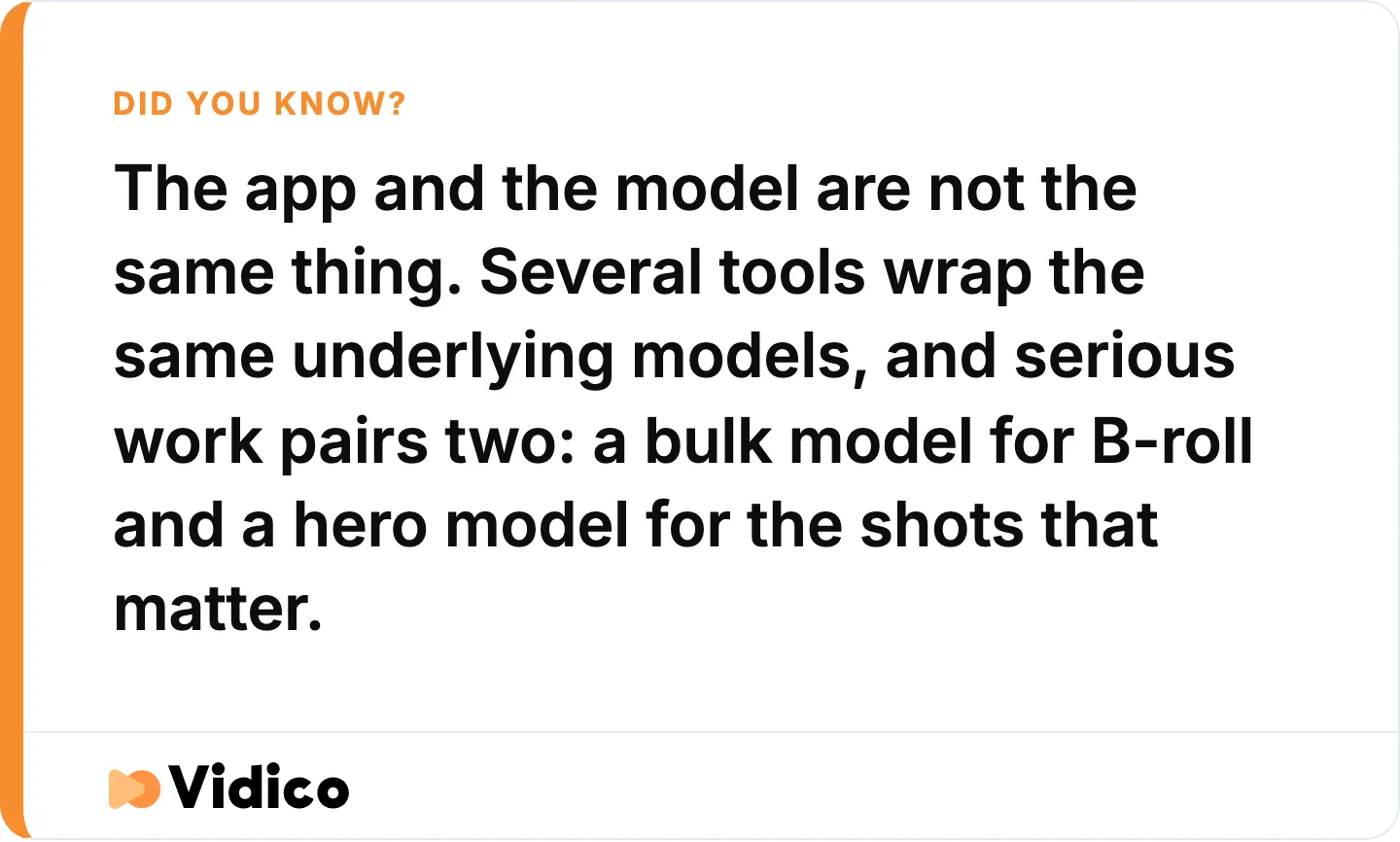
The workflow most AI video roundups leave out.
Generative text-to-video models
These build video from a prompt. They are the reason “AI video generator” became a search in the first place, and they are where the biggest quality jumps happened in 2026.
1. Google Veo 3.1: best for cinematic clips with native audio. Veo is Google DeepMind’s flagship video model, and it is the current front-runner for realism. It reads physics, lighting, and motion better than anything else in this list, and it is the only major model that generates synchronized audio, dialogue, effects, and ambience, inside the same clip. PCMag names Google’s Veo its current top overall pick for realistic output. You reach it through the Gemini app or Google AI Pro, with rate-limited free access and paid tiers from $19.99/month.
Not for you if you need shots longer than about eight seconds without stitching, or if a launch film is riding on it. Even the best generative clip still reads as a clip.
2. Runway Gen-4.5: best for frame-level creative control. Runway is the tool creative teams reach for when they need to direct the shot, not just describe it. It pioneered browser-based generative video, and its Gen-4.5 model adds motion brushes, precise camera movement, and granular generative editing that let you shape a scene instead of rolling the dice on a prompt. It has a free credit tier, with paid plans from $15/month ($12 billed annually) on its pricing page. MASV’s model comparison credits it with physics-accurate motion and precise camera control, the reasons creative teams reach for it.
Not for you if you want one-click output. The control is the point, and it takes real effort to use well. Runway also burns credits fast on complex motion, which brings up the cost question we cover below.
3. Kling AI: best for photorealistic humans on a budget. Kling, built by Chinese tech company Kuaishou, is the model reviewers recommend most often for realistic human movement and high-action shots. Independent testing by MASV rates it best in class for high-action realism, and it handles complex body motion and lip-sync well. It has a free tier and a Standard plan at $10/month. Watch the $6.99 figure you may see quoted, that is a first-month intro rate, not the ongoing price.
Not for you if you need predictable monthly costs. Power users flag that its credit allowance runs out fast on longer projects, so confirm the current rate before you commit.
4. Luma Dream Machine: best for fast cinematic short clips. Luma Dream Machine, from Luma AI, is built for speed. It turns text and images into smooth, cinematic short clips quickly, and MASV’s testing rates it a standout for 4K output and pro-quality filmmaking, which makes it a favorite for quick concepting and mood films. Its Dream Machine Lite tier starts at $9.99/month with a free option, per its pricing page.
Not for you if you need precise control over a specific character or camera path. Luma optimizes for fast, smooth output over frame-by-frame direction.
5. Pika: best for playful, social-first generation. Pika leans creative and fun rather than photoreal. MASV’s testing highlights its dynamic camera moves and stylized effects, which suit social content, memes, and experimental clips more than corporate work. It has a free tier, with paid plans from $10/month ($8 billed annually).
Not for you if brand-accurate realism is the goal. Pika trades fidelity for personality, which is right for social and wrong for a product hero shot.
6. MiniMax Hailuo: best for quality-to-price ratio. Hailuo, from AI lab MiniMax, punches above its price. MASV’s comparison rates its output quality close to the best models on the market while it charges less, with a Standard plan at $9.99/month and a free tier, which makes it a strong pick for teams testing a lot of generations. Its pricing climbs steeply above that for heavier use.
Not for you if you need a polished English-first interface or long clips. Its caps sit around five to ten seconds, and some workflow rough edges remain.
7. Adobe Firefly Video: best for commercially safe, IP-clean clips. Firefly is Adobe’s video model, and its differentiator is legal, not visual. Adobe trains Firefly on licensed and public-domain content and offers IP indemnification, so the output is safe to use commercially, a real concern for brands wary of AI copyright risk. It lives inside Creative Cloud, with a free credit allotment and paid access from $9.99/month on the Firefly plans page. CNET highlights Firefly as its pick for professional and commercial work.
Not for you if you want the most dramatic motion. Firefly plays it safe on both licensing and visuals, and clips cap short at around five seconds.
8. Seedance: best for multi-shot B-roll inside an editor. Seedance, ByteDance’s video model, is the workhorse of the group. Available through the Dreamina editor from the makers of CapCut, it is built for multi-shot consistency and bulk B-roll rather than a single hero shot, so it slots into a real editing workflow. MASV’s testing rates it a standout for multi-shot prototyping. It is free to start inside Dreamina, with paid credits above that.
Not for you if you want a standalone cinematic generator. Seedance is a production tool for volume, which is exactly why pros pair it with a hero model.
AI avatar and presenter generators
These generate a talking human reading your script, no camera or actor needed. They are built for training, sales, and localized content, not cinematic scenes.
9. HeyGen: best for talking avatars and localization. HeyGen generates a realistic digital presenter from a script and translates it into 175+ languages with re-synced lip movement, which makes it the go-to for multilingual sales and onboarding video. Founded in 2020, it holds a 4.8 rating from roughly 1,900 reviews on G2, the strongest score among the avatar tools here. It has a free plan (three videos a month), with paid tiers from $29/month.
Not for you if you need a cinematic scene or a real product shot. An avatar is a presenter, not a film.
10. Synthesia: best for enterprise avatar training video. Synthesia, founded in London in 2017, is the most established name in AI avatars and is built around enterprise training and internal comms. It rates 4.7 on G2 across more than 2,300 reviews, the largest review base of any tool here, and offers a big stock-avatar library, deep team controls, and a free plan capped at 10 video minutes a month, with paid tiers from $29/month.
Not for you if your main need is marketing polish or cinematic output. Its stock presenters can read stiff for customer-facing brand work. We compare it head-to-head with HeyGen in our HeyGen vs Synthesia breakdown.
Text-to-video and editing tools
These turn a script or existing footage into a finished, captioned video. They generate less from scratch and assemble more.
11. InVideo AI: best for prompt to ready-to-post social video. InVideo AI takes a single text prompt and returns a complete, edited social or YouTube video, script, scenes, voiceover, and captions, in one pass. Founded in 2017, it is the tool most often named as a near-free text-to-video option and rates 4.5 on G2 across roughly 170 reviews. It has a genuine free tier, with paid plans from $20/month billed annually on its pricing page.
Not for you if you need a distinct brand look. The template-driven output can feel generic without heavy editing.
12. Pictory: best for repurposing existing footage into social clips. Pictory takes assets you already own, a webinar recording, a long YouTube video, a blog post, and cuts them into short, captioned clips for social. It holds a 4.6 rating on G2 from around 80 reviews, and its edge is repurposing at speed rather than generation, so it earns its place for teams sitting on a back catalog of long-form video. There is a 14-day trial but no permanent free plan, with paid tiers from $25/month billed annually per its pricing page.
Not for you if you need original footage created from scratch. Pictory works best on content that already exists.
Also worth a look: Descript for editing video by editing its transcript, and VEED for a browser-based editor with AI features bolted on. Both fit repurposing and captioning workflows rather than generation.
What Happened to OpenAI Sora?
OpenAI discontinued Sora in 2026. Per OpenAI’s own help center, the Sora web and app experiences ended on April 26, 2026, and the Sora API shuts down on September 24, 2026. CNET has since removed Sora from its roundup, noting it is no longer generally available.
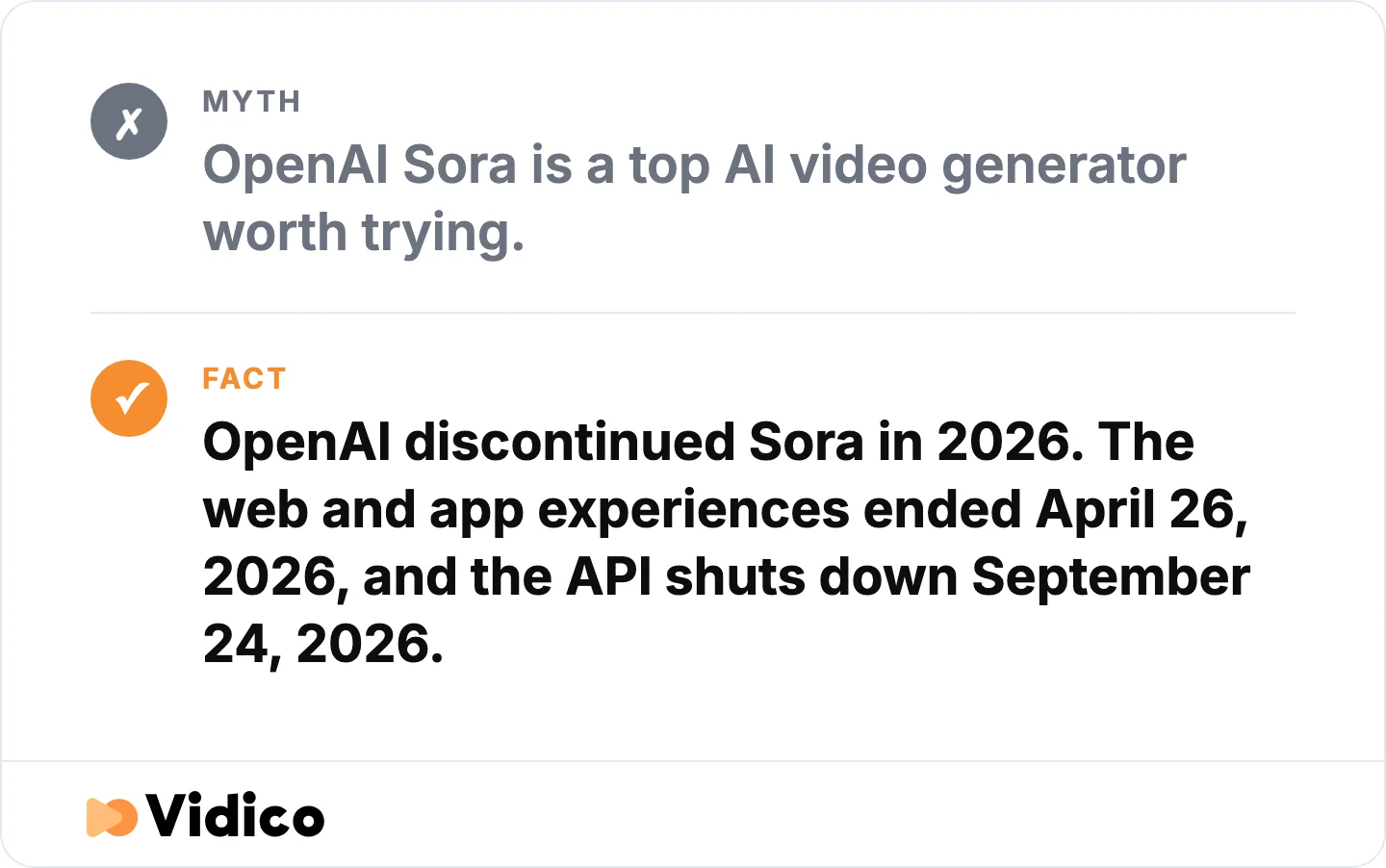
Sora still appears in published roundups. It is being wound down. Source: OpenAI help center.
This matters because many roundups still list Sora as a top pick. Do not start a project on a product that is being wound down. If you were drawn to Sora for narrative, multi-scene storytelling, Google Veo 3.1 and Runway Gen-4.5 now cover that job better and are actively supported.
What AI Video Generators Actually Cost
The sticker price is not the real cost. Most of these tools meter usage in credits, and the headline figure, $10 here, $9.99 there, buys a small monthly allotment that a single project can blow through. Three things drive the gap between the price you see and the price you pay.
Credits expire, and failed generations still cost you. Monthly credits usually do not roll over, so unused budget vanishes. Worse, a generation that comes back with warped hands, a morphing face, or the wrong action still burns credits. Practitioners on Reddit describe burning through a chunk of their monthly credits just to get a character to walk cleanly across a frame.
Clip length caps force more generations. Most generative models top out around five to ten seconds per clip. A 60-second video is not one generation, it is six to twelve, each one a fresh roll of the dice and a fresh charge. The headline price assumes everything works on the first try. It rarely does.
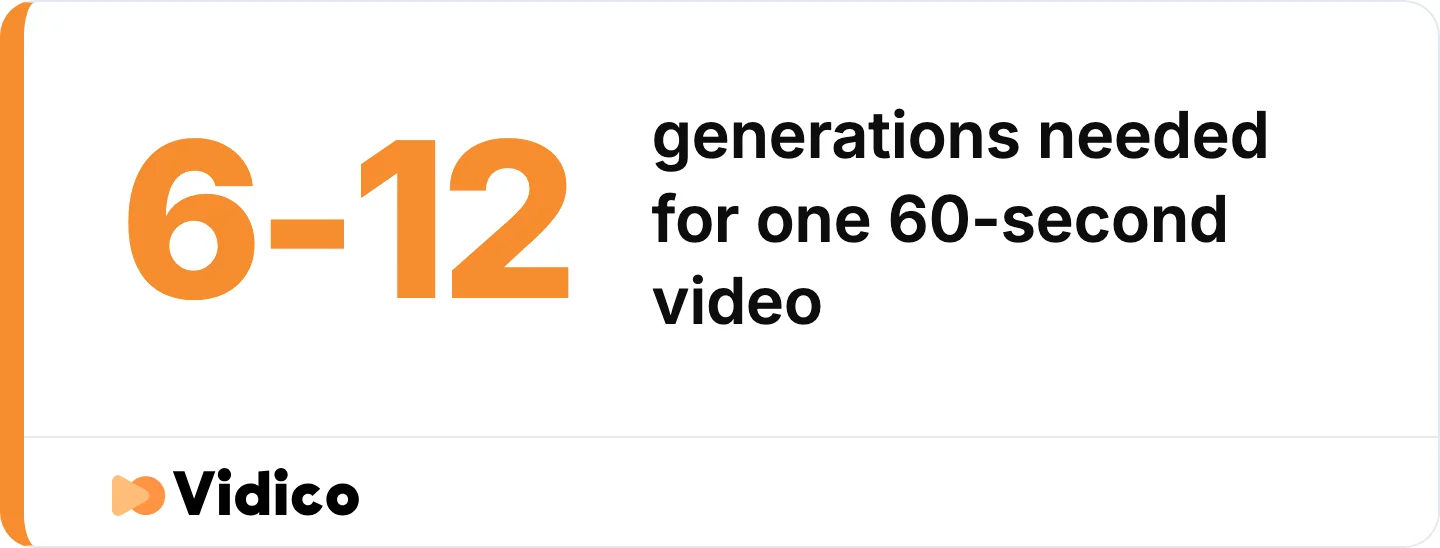
Why the sticker price and the real cost are not the same number.
Per-seat and per-minute models climb fast at volume. A plan that looks cheap for a hobbyist gets expensive when a team produces weekly content. Price the tool against your real monthly output, not the demo. For a sense of what fully produced video costs by comparison, see our breakdown of video production cost.
Not sure which budget path fits your goals? Our pricing quiz takes two minutes and points you to the right approach for your output level.
How to Choose an AI Video Generator
Choosing well comes down to six questions, in order. Skipping the first is why teams end up regenerating the same clip for a week.
- Name your dominant job. Cinematic clip, creative or VFX control, photorealistic human, talking presenter, prompt-to-social, or repurposing. This alone narrows you to one category above.
- Decide if you even need generated footage. For a product demo or a real spokesperson, a screen recording or a real shoot beats a generated clip. Do not generate a face just because the tool can.
- Match realism to your brand bar. An artifact that is fine for an internal test looks cheap to a paying customer. Be honest about whose eyes land on the result.
- Price it at your real volume. Factor in credits, clip caps, and monthly expiry, not the headline number. A ten-dollar plan is not ten dollars if one video eats the month’s credits.
- Plan the two-model workflow. Serious output pairs tools. Lock a reference character first, then use a bulk model like Seedance for continuity and a hero model like Veo or Runway for the shots that justify the cost. One tool rarely does everything.
- Trial one real asset. Build something you would actually ship, not the demo prompt. Quality and editing friction only show up on real work.
Want to see how your current video stacks up before you invest? Our Creative Intelligence Report is a free competitive analysis delivered in 48 hours. For a wider view of formats and where AI fits, see our guide to the types of video production.
When a Generative AI Model is the Wrong Tool
Generative models shine on low-stakes work: volume, testing, social variations, B-roll, internal video. The calculus flips the moment a video has to sell the brand itself. A launch film, a homepage hero, a flagship explainer, a paid campaign, all carry too much weight for a prompt-generated clip that still looks machine-made. On work a prospect judges you by, generic is a liability, not a shortcut.
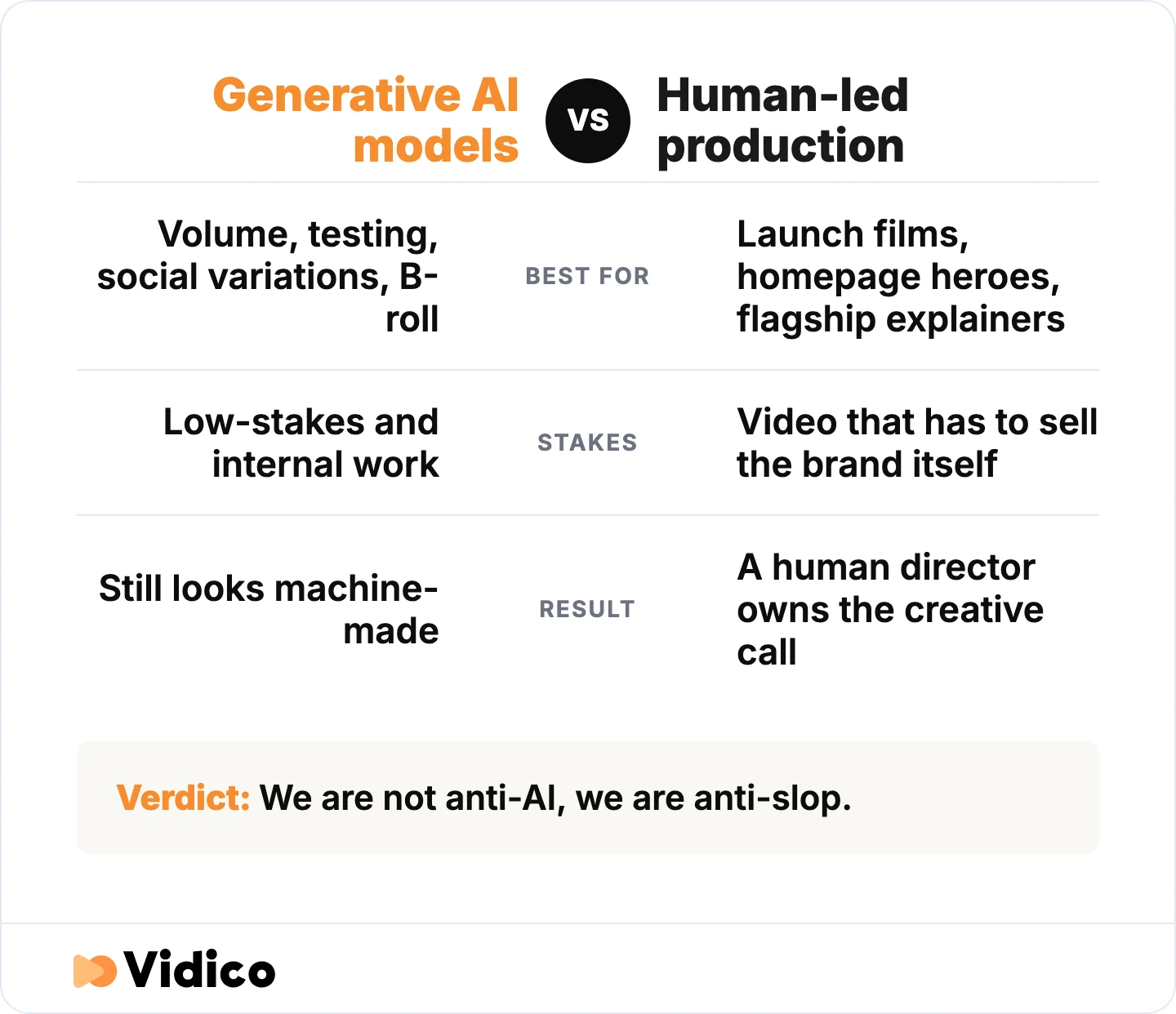
Where generated clips win and where they stop working, in the article’s own terms.
Our take is blunt: we are not anti-AI, we are anti-slop. Inside our own studio, AI handles the grind, adapting a video into new languages, generating subtitle tracks, crunching performance data, while the creative calls, the concept, the script, the final cut, stay with a human director on anything that carries your brand. Our 2026 State of Creative report maps where that handoff belongs.
The difference shows up in results. Our brand video for Cascade hit a 93% view rate and pulled more than 1.4 million YouTube views, the kind of retention a stock clip does not reach. For Hiver, a YouTube campaign we produced drove 20 million-plus impressions and 80-plus leads at a 5.5% engagement rate. Across 2,000+ campaigns, the pattern holds: AI tools are for volume, human-led production is for the videos that have to land.
The payoff is real. HubSpot’s research puts short-form video at the top of the ROI chart, with nearly half of marketers, 48.6%, placing it among their three highest-performing formats. The more that rides on the result, the more the choice of tool, or team, matters. Our video marketing statistics roundup has the full data.
When a generator falls short, that’s the point to bring in professional video content production instead of patching AI output.
Frequently Asked Questions
Which AI video generator is best?
It depends on the job. Google Veo 3.1 is the strongest all-round pick for cinematic, realistic clips with native audio. Runway Gen-4.5 is best for frame-level creative control, Kling for photorealistic humans on a budget, and HeyGen for talking-avatar and localized presenter video. There is no single winner, only the best fit for a specific use case.
What is the best free AI video generator?
InVideo AI and Adobe Firefly have the most usable free options. InVideo AI turns a prompt into a full social video on its free tier, and Adobe Firefly includes free monthly generation credits. Most free plans, including HeyGen, Luma, and Pika, watermark output or cap generations, so treat them as trials rather than production tools.
What is the cheapest AI video generator?
Among generative models, Luma Dream Machine, MiniMax Hailuo, and Adobe Firefly cluster at the low end, each starting around $9.99 a month, with Kling and Pika just above at $10. Several also offer free tiers with credit limits. Price at your real output, since credit caps make the cheapest headline plan expensive at volume.
Can ChatGPT create videos?
No. ChatGPT generates scripts, captions, and storyboards, but not video. OpenAI’s video product was Sora, and OpenAI discontinued it in 2026. To generate video from a text prompt today, use a dedicated model like Google Veo 3.1, Runway, or Kling.
Do AI-generated videos include audio?
Mostly no. Google Veo 3.1 is the standout exception, generating synchronized dialogue, effects, and ambience inside the clip. Most other models, including Runway, Kling, and Luma, produce silent video, so you add voiceover, music, and sound design in post-production.
The Bottom Line
The best AI video generator is the one that matches your job. Reach for Veo 3.1 when you need cinematic realism with sound, Runway when you need creative control, Kling for realistic humans on a budget, HeyGen for localized presenters, and InVideo or Pictory for prompt-to-social and repurposing. Skip Sora, it is discontinued. And whichever you pick, price it at your real output, not the sticker.
Where these tools win is speed and scale: quick social cuts, test variations, throwaway B-roll. Where they lose is the moment a video has to carry real weight. That weight is our job at Vidico, professional, human-led explainer and brand video for SaaS and tech teams, with AI speeding the busywork and a director owning the creative call. It is how work like our Cascade and Hiver videos earns results a generated clip cannot.
If you are weighing DIY AI video against professional production for something that actually matters, book a free strategy session, and we will help you pick the right path.
Sources
- OpenAI Help Center: Sora Discontinuation
- CNET: Best AI Video Generators
- PCMag: The Best AI Video Generators
- MASV: The Best AI Video Generator Comparison
- HubSpot: Marketing Channels
- G2: HeyGen Reviews
- G2: Synthesia Reviews
- G2: InVideo Reviews
- G2: Pictory AI Reviews
- Google Gemini Subscriptions (Veo)
- Runway Pricing
- Kling AI
- Luma Dream Machine
- Pika
- MiniMax Hailuo
- Adobe Firefly
- HeyGen Pricing
- Synthesia Pricing
- InVideo AI Pricing
- Pictory Pricing