New hires who go through a strong onboarding process are 58% more likely to stay with the company after three years. New SaaS customers who don’t reach their first success within the first week are far more likely to churn. In both cases, video is one of the fastest ways to close the gap between “just signed up” and “fully productive.”
This guide covers every type, real examples from companies like Google and Slack, and a step-by-step process to make videos your team and customers will actually watch.
Key Takeaways:
- Onboarding videos come in two forms: employee onboarding videos (culture, process, welcome) and customer/user onboarding videos (activation, retention, first value moment).
- The best onboarding videos are under 5 minutes, use real people, and focus on one topic per video rather than cramming everything into a single clip.
- Companies using engaging onboarding videos report measurable results. EverString saw a 27% increase in customer signups after adding an explainer video to their flow. Time on site jumped from 35 seconds to over 2 minutes.
- Production quality matters more than budget. A well-scripted 60-second animation outperforms a 10-minute talking head with no structure.
Content
What Is an Onboarding Video?
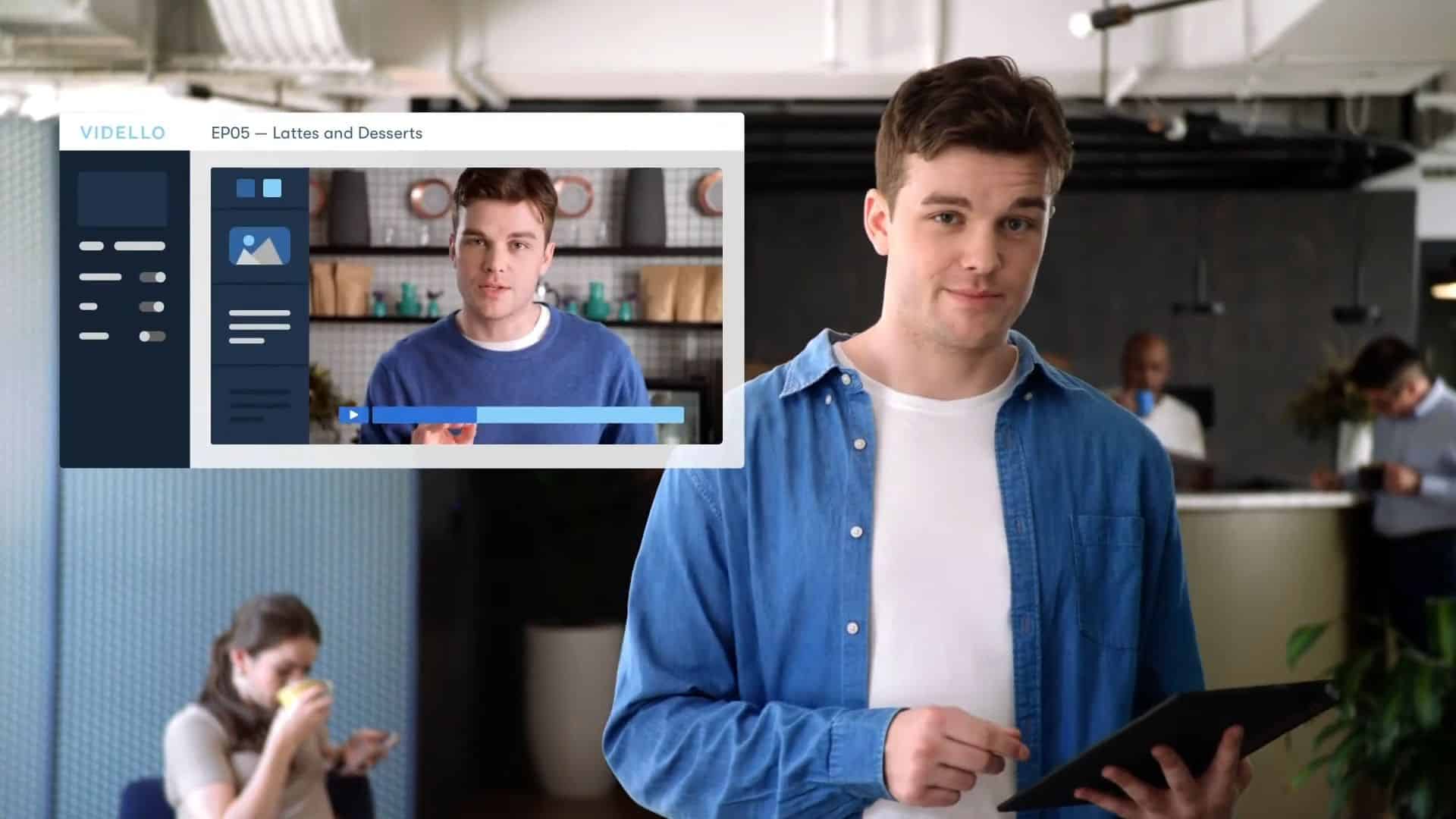
A successful onboarding video is a short video designed to help someone new get up to speed. That “someone” could be a new employee joining your company or a new customer signing up for your product.
Employee onboarding videos introduce new hires to company culture, team structure, company values, policies, and day-to-day processes. They replace or supplement the parts of orientation that don’t need to happen live. A good employee onboarding video gives new hires a brief overview of the business, the team they’re joining, and the tools they’ll use on the job.
Customer onboarding videos guide new users through product setup, key features, and first actions. The goal is to get users to their first “this is useful” moment as quickly as possible. For SaaS products, this is the difference between a user who activates and a user who churns.
Both types share the same principle: reduce the time between “I just got here” and “I know what I’m doing.” A successful program of either kind keeps people engaged in those critical first days.
Benefits of Onboarding Videos
Companies that invest in employee onboarding videos and customer-facing equivalents see real benefits across hiring, retention, and product activation. The benefits compound the more you use them, especially when paired with a documented onboarding process.
For employees, the benefits are clear: faster ramp time, better retention, and a more consistent message across new hires. New employees who watch a structured series of employee onboarding videos report feeling more prepared on day one. New hires also build skills more quickly when they can rewatch employee onboarding videos at their own pace, instead of relying on a one-time orientation. Many new employees say the right employee onboarding videos turned a confusing start into a smooth onboarding experience.
For customers, the benefits are equally measurable. Engaging onboarding videos shorten time-to-value, reduce support tickets, and lift activation rates. New customers who hit their first success in week one churn far less than those who don’t. The same compelling onboarding video can also double as a sales asset on the platform’s website, watched by prospects evaluating the product.
A documented onboarding process backed by video creates a smoother first month for everyone — new hires, new starters joining the team, and new users signing up to the platform.
Types of Onboarding Videos
Not every video does the same job. The type you need depends on who you’re welcoming and what action you need them to take.
Welcome Videos
A welcome video introduces new employees to your company’s values, mission, and personality. The best welcome video features real employees talking about what it’s actually like to work there. Think office tours, team introductions, and “day in the life” footage. Some companies open the welcome video with the co-founder sharing the company’s vision and the company’s history, then hand the mic to a few employees who walk new hires through what to expect on day one. A welcome message from leadership goes a long way toward making new hires feel supported on day one. Many employees report that this single welcome video shaped how they felt about the job in those critical early days.
When to use: First day or pre-boarding (before the start date). Sets the tone before new hires walk through the door.
Process and Policy Videos
These cover the practical stuff: how to submit expenses, where to find HR documents, how your tools work, and what the first 30 days look like. Employees learn faster when policy content is broken into short, referenceable video clips instead of a one-hour conference room slog. New starters can rewatch as needed instead of asking the same questions twice.
When to use: Within the first few days on the job. Process and policy is also where many employees get tripped up later, so making these video clips searchable is essential.
Orientation Video
This format gives new employees a quick overview of the company, the office, who’s on each team, and what the first day looks like. It’s the digital equivalent of a guided walk around the building. A good one walks through the company’s mission, the company’s social impact, and the core values that hold the team together, then closes with a quick map of the team structure so new starters can put names to faces.
When to use: Day one. Pair with an in-person welcome from the manager.
Product Walkthrough Videos
A guided tour of your product from signup to core functionality. These show new customers exactly what to do after they create an account. Screen recordings with voiceover are the most common format, but animation works well for explaining concepts behind the interface.
When to use: Immediately after signup or purchase. The faster a customer reaches their first success, the less likely they are to leave.
Feature Tutorial Videos
Short, focused videos that explain one specific feature. Unlike walkthroughs that cover the full product, tutorials go deep on a single capability. “How to set up automated workflows” or “How to invite your team” are typical examples. These work well for both new users and existing customers learning advanced skills.
When to use: After initial setup, as customers discover new features or when you release updates.
Getting Started Videos
A stripped-down version of the product walkthrough. These cover only the 2-3 actions a new user must take to get value. No feature tour. No nice-to-knows. Just the minimum path from “I signed up” to “I see why this is useful.”
When to use: Immediately after signup. Works especially well for SaaS products with a free trial or freemium model where users need to self-serve.
Onboarding Video Series
A sequence of short videos released over days or weeks, each covering one topic. This works for both employees and customers. Instead of one 20-minute video that nobody finishes, you send a 2-minute video each day for the first stretch on the job.
When to use: When there’s too much information for a single video. Series work well paired with email drip sequences or in-app messaging.
10 Best Onboarding Video Examples (2026)
Here’s a mix of great examples spanning employee and customer videos that demonstrate different approaches, budgets, and goals.
1. HubSpot (Employee – Culture)
HubSpot’s employee onboarding video uses a storytelling approach with real employees acting out dramatic, self-aware scenes about company culture. The editing is comedic and high-energy. The video shows what the company is really like instead of telling viewers about it. New hires get a genuine sense of what the company values without sitting through a slideshow. It’s one of the great examples of a company culture video that respects the audience’s time.
Length: 3:31 | Format: Live-action with real employees
2. Slack (Customer – Getting Started)
Slack’s animated welcome video is a masterclass in simplicity. The video starts with a quick problem statement, then walks new users through channels, messages, and integrations using clean animation that mirrors the actual interface. The stripped-back video style means it won’t look dated after the next UI update. It’s a strong example of how to build engaging onboarding videos for software without showing the UI directly.
Length: ~3 min | Format: Animation
3. Google (Employee – Welcome)
Google’s “An Intern’s First Week” follows real interns from different backgrounds through their first days. Bright, warm footage and a documentary feel make it aspirational without being fake. It’s also a textbook welcome video: the audience sees real people, real offices, and real first impressions. The video ends with an inspirational story from one intern that sticks with viewers.
Length: 5:51 | Format: Documentary-style live-action
4. Grammarly (Customer – Getting Started)
Grammarly speaks directly to a specific persona (students, professionals) and shows the product in action through real recordings of the tool. Their welcome ads double as acquisition tools because the demo is the pitch. By the time you’ve watched it, you already know how to work smarter with the tool.
Length: ~1 min | Format: Screen recording + live-action hybrid
5. EverString (Customer – Explainer)
EverString added an animated explainer video to their customer activation flow and saw a 27% increase in customer signups. Time on site jumped from 35 seconds to over 2 minutes, with 82% viewer retention. The video explains a complex B2B data product in simple terms, using animation and a clean video style to make abstract concepts visual.
Length: ~2 min | Format: 2D animation
6. Zoom (Customer – Feature Tutorial)
Zoom’s webinar setup tutorial features a warm, friendly presenter walking users through the interface step by step. The video uses real screens from the app so users can follow along. It’s branded, polished, and solves a specific pain point: “I need to host a webinar and I don’t know where to start.” High production values without feeling overproduced.
Length: ~3 min | Format: Screen recording with presenter
7. Canva (Employee – Culture)
Canva’s culture video opens with someone skateboarding through the office. The co founder tells the origin story while many employees from multiple offices share what they love about the work. It’s a creative company showing creativity in how they welcome new team members. The video style is intentionally fun — proof that culture videos don’t have to feel like HR.
Length: ~3 min | Format: Live-action with interviews
8. Dropbox (Employee – Welcome)
Dropbox uses paper cutout animation to explain the company’s purpose. The video starts with a relatable problem (losing files) and connects it to the product’s mission. The unique visual style makes it memorable without needing high-budget live-action footage. A good example of how a video style choice can carry the whole piece.
Length: 2:17 | Format: Cutout animation
9. HoneyBook (Customer – Feature Focus)
HoneyBook’s getting-started video focuses on one benefit: getting leads. Instead of a full product tour, it shows how new users can start generating business immediately. HoneyBook saw a 9% lift in waitlist signups when they A/B tested this approach. Sometimes less is more.
Length: ~1 min | Format: Product demo
10. Uber (Customer – Driver Tips)
Uber’s driver welcome video gives tips that go beyond the basics. Instead of “here’s how to accept a ride,” it shares practical advice a new driver would only learn after a dozen trips. The conversational tone makes it feel like getting advice from a friend, not a training manual. The video shows what a great onboarding experience can look like for gig workers.
Length: ~3 min | Format: Live-action
For more examples focused specifically on app products, see our guide to app onboarding video examples.
How to Create an Onboarding Video
Before you start filming, decide who you’re producing for and what action they should take after they watch. Teams that consistently create onboarding videos new hires actually finish do this in five steps.
To create engaging onboarding videos that actually get watched, follow this process. The same steps apply whether you’re producing for employees or customers.
Define Your Goal and Audience
Start with one question: what should the viewer do after watching this?
For employee programs, the answer might be “feel confident about ramping into the job.” For customer onboarding, it might be “complete account setup.” The more specific the goal, the tighter the video. Knowing your audience also tells you what video style will land — a casual welcome video for new starters looks very different from a polished, high-end production for enterprise customers.
Then define who’s watching. A developer learning your API needs a different video than a marketing manager learning your dashboard. One size fits none.
Write a Script That Respects People’s Time
The biggest mistake when companies produce these videos is trying to cover everything. A 15-minute video that covers all your features is a 15-minute video nobody finishes.
Script structure that works:
- Hook (5-10 seconds): State what the viewer will be able to do after watching
- Setup (15-30 seconds): Quick context on where this fits
- Steps (1-3 minutes): The actual content, one action at a time, hitting only the key points
- Close (10 seconds): What to do next
Keep each video under 5 minutes. If you need more than that, split it into a series.
Vidico offers a free script tool to help structure your first draft.
Choose Your Format
| Format | Best For | Budget |
|---|---|---|
| Screen recording + voiceover | Product walkthroughs, feature tutorials | Low |
| Live-action with real employees | Welcome video, culture videos | Medium |
| 2D/3D animation | Explainer videos, concept-heavy content | Medium-High |
| Hybrid (animation + screen recording) | SaaS product setup | Medium |
Animation tends to age better than recorded UI footage since interface changes won’t make the video obsolete. Live-action builds trust faster because people connect with real faces. Many of the strongest videos combine both. The right choice depends on your audience, your brand, and what you want viewers to feel — fun and human, or precise and technical.
Produce and Edit
Editing matters more than camera quality. A well-edited video with an iPhone and good audio will outperform a poorly structured video shot on a cinema camera.
Non-negotiables:
- Clear audio (viewers leave within seconds if they can’t hear you)
- Captions (a significant portion of video is watched on mute)
- Brand consistency (colors, fonts, tone match your brand)
- One topic per video (don’t cram)
- Music that supports rather than competes with the message — choose music that matches the tone, and keep music levels low under voiceover
For companies producing corporate training videos at scale, working with a production partner means building reusable templates. The first video takes the most time. Every video after that gets faster and cheaper. This is how a single team can create a steady supply of engaging videos without burning out.
Best Practices for Videos That Land
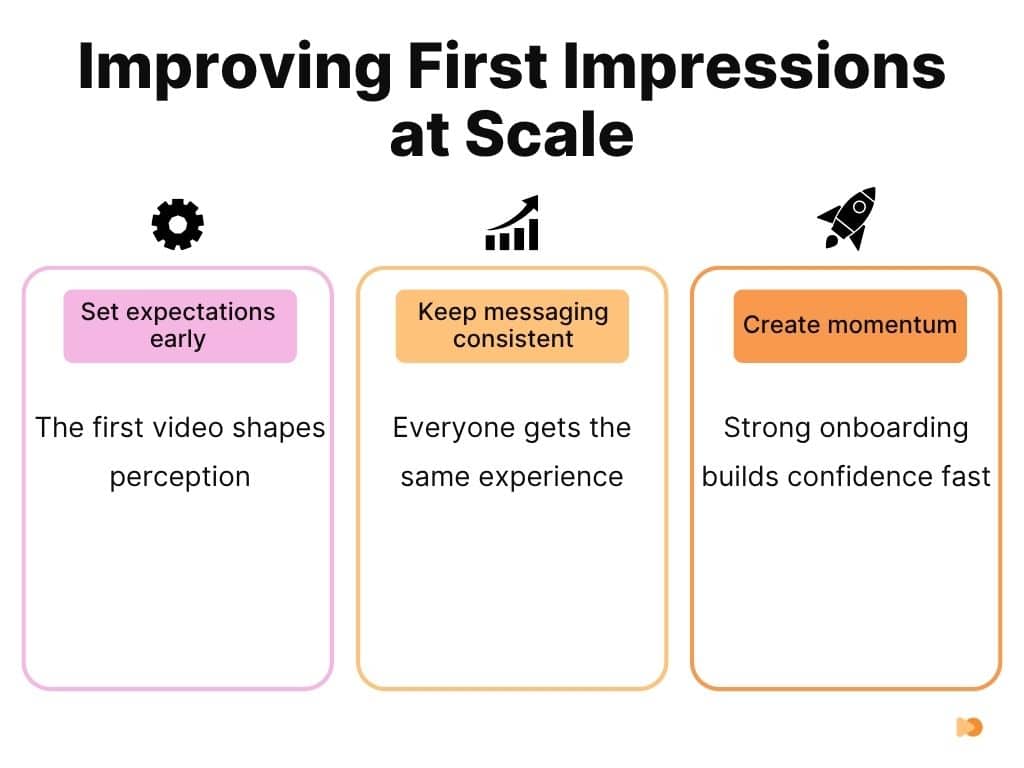
Anchor every employee onboarding video in your core values. Lead with one or two core values, then show how those core values translate into how the team works day-to-day. New employees pick up culture faster when they see core values in action — not when they read them on a slide. A short office walkthrough that shows real employees living the core values does more than a 10-minute lecture. Create one short clip per value, and you’ve built a whole culture series.
Match the energy to the viewer. A welcome video for new employees can be playful — show the office, share an inside joke, let people see what makes the team fun. Customer-facing engaging onboarding videos should feel just as warm but more focused on the action you want viewers to take. Either way, prospects and new employees can tell when a video is engaging versus when it’s reading from a teleprompter. Create the version your viewers will actually finish.
Make videos easy to find and easy to watch. Use clear titles, chapter markers, and timestamps so new employees and customers can rewatch the parts they need. Track who’s watching what — the data tells you which videos to keep, which to cut, and which to rebuild. The whole experience improves when viewers can find the right clip in seconds instead of scrubbing through a 30-minute mega-video. Create searchable transcripts and you’ll triple how often the videos get reused.
Keep producing. One employee onboarding video can’t carry the whole employee experience, and one customer demo can’t replace a full activation flow. The best teams treat video production as ongoing — they create new clips when the product changes, when policies change, or when feedback shows employees are getting stuck on the same issue twice. Continuous creation keeps the experience fresh for both employees and customers, and teams that create videos every quarter outperform those that create them once and forget.
Distribute and Measure
Where your video lives matters as much as what’s in it. Distribution is what turns a great video into a smooth start for the audience.
Employee onboarding videos: LMS (learning management system), internal wiki, email sequence triggered by hire date, Slack channel. Many companies also share short culture clips on social media platforms to give candidates a preview before they apply. Embedding employee onboarding videos in the hire-date email is the simplest distribution win.
Customer onboarding videos: In-app (triggered after signup), email drip sequence, help center, product page.
Track completion rate, not just views. Use video analytics to see where viewers drop off. If 80% of viewers drop off at the 90-second mark, your video is either too long or the first 90 seconds aren’t delivering enough value. Gather feedback from new hires and new customers in the first 30 days to find what’s missing.
What Makes an Onboarding Video Actually Work
The difference between a video that gets skipped and one that gets rewatched comes down to four things.
1. It solves one problem. Each video should answer one question or teach one skill. “Here’s how to set up your profile” is a video. “Here’s everything about our product” is a nap.
2. It features real people. Stock footage and text-on-video clips feel automated. Videos with real employees, real new team members, or real product visuals feel human. A Reddit thread on this topic summed it up: video introductions feel impersonal when “a robot just dropped a playlist on them.” Real faces and real voices fix that. A short clip of a person from the team — not a polished spokesperson — does more for first impressions than any voiceover script.
3. It’s short. The ideal length is 2-5 minutes per video. Research shows engagement drops significantly after the 2-minute mark. If your content needs 15 minutes, make it a 5-part series.
4. It’s rewatchable. Good videos work as reference material, not just for first-time viewing. Timestamps, chapters, and searchable titles let viewers find the exact section they need without rewatching the whole thing. Easy access to specific sections turns the video into an ongoing tool, not a one-time event.
Onboarding Video ROI: Do They Move the Needle?
Video produces measurable results when the piece is focused and the metric is clear. The benefits stack up across recruiting, ramp time, and customer activation.
Here’s what the data shows from real campaigns:
- EverString: Added an animated explainer video to their B2B SaaS activation flow. Customer signups increased 27%. Average time on site went from 35 seconds to 2 minutes and 11 seconds. Viewer retention hit 82%. (Source)
- HoneyBook: Focused their getting-started video on a single benefit (lead generation). A/B testing showed a 9% lift in waitlist signups compared to the non-video variant.
- Taggg: Used a launch explainer video as the primary activation asset. The first 250 platform users were directly attributed to the video.
The pattern across all three: short, focused videos tied to one specific action outperform comprehensive product tours. The benefits show up fastest when you measure against the action you want (signups, activation, feature adoption), not vanity metrics like view count.
For a deeper look at how video performs across the marketing funnel, see our video marketing statistics roundup.
Frequently Asked Questions
How long should an onboarding video be?
Keep each video between 2 and 5 minutes. Engagement drops sharply after the 2-minute mark for most audiences. If your content requires more than 5 minutes, split it into a series of short videos, each focused on one topic. A 5-part series with 2-minute episodes will outperform a single 10-minute video every time.
Should you use animation or live-action for onboarding videos?
It depends on the purpose. Live-action works best for an employee welcome video where seeing real people builds connection and trust. Animation works best for product explainers and concept-heavy content where you need to visualize workflows, data, or abstract ideas. Many SaaS companies use a hybrid video style: animated product screens with a live-action presenter or voiceover.
How much does an onboarding video cost?
Costs vary widely based on format, length, and production values. A basic screen capture with voiceover can be done in-house for minimal cost. Professional animated explainer videos typically start in the thousands. Live-action with a crew, scripting, and post-production runs higher. The right question isn’t “how much does one video cost” but “what’s the cost per video when you’re producing them regularly?” Monthly production plans bring the per-video cost down significantly compared to one-off projects.
What is the difference between employee and customer onboarding videos?
Employee programs introduce new hires to your company. They cover company culture, company values, team structure, policies, and tools. The goal is to make someone feel welcome and prepared for the job. Customer-facing programs teach new users how to get value from your product. They cover setup, key features, and first actions. The goal is to reduce time-to-value and prevent churn. Some companies need both types.
Conclusion
The best onboarding videos share three traits: they’re short, they’re specific to one topic, and they feature real people. Whether the audience is new employees or new customers, a focused 2-minute video will outperform a 20-minute information dump every time.
If you need help to make great onboarding videos that actually get watched, book a free strategy session with us to see how we approach it.
Sources
- https://vidico.com/case-studies/everstring/
- https://vidico.com/case-studies/honeybook/
- https://vidico.com/case-studies/taggg/
- https://wistia.com/learn/marketing/optimal-video-length